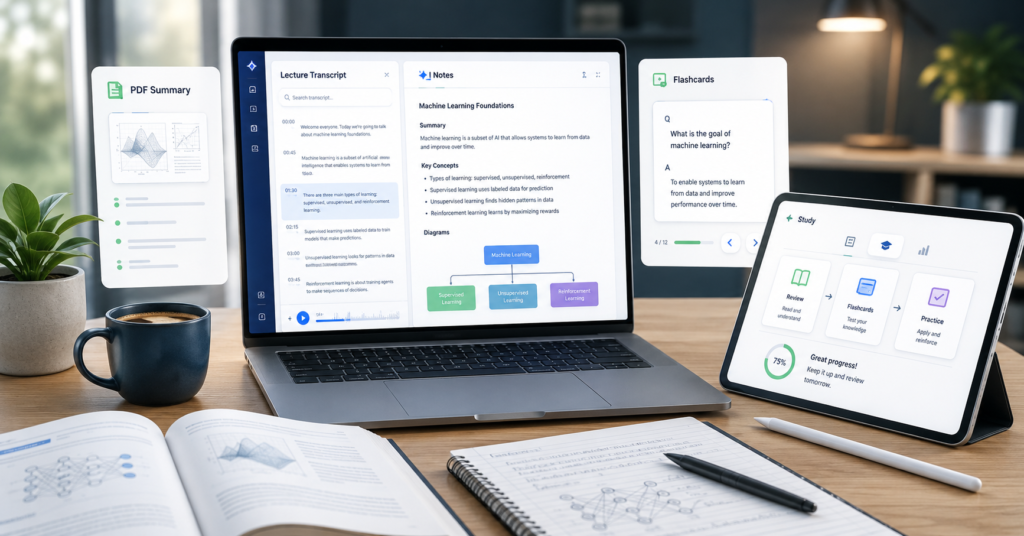
Finding the best AI note taking apps for students 2025 is not just about taking better notes.
Students now need a full study workflow. That means lecture notes, PDF summaries, flashcards, transcription, and exam review in one clear system.
However, not every AI note app works the same way. Some apps help with lecture recordings. Others work better for PDFs, handwritten notes, or long-term knowledge management.
This guide compares the best AI note taking apps for students in 2025. It also shows which app fits your study style best.
Best AI note taking apps for students
The best AI note app depends on how you study.
For example, a student who records lectures needs a different tool than a student who studies from PDFs. A tablet user may also need a different setup than a student who writes long essays.
How we picked the tools
We compared each app by practical student needs.
First, we looked at lecture notes and AI summaries. Next, we checked PDF support, transcription, flashcards, free plans, and long-term organization.
| App | Best For | Lecture Notes | AI Summary | PDF Support | Transcription | Flashcards | Free Plan | Paid Pricing | Strength | Limitation |
|---|---|---|---|---|---|---|---|---|---|---|
| NotebookLM | Analyzing study sources | Strong | Strong | Strong | Possible | Strong | Free | Free | Source-based study analysis | Better for analysis than free-form notes |
| Notion AI | Semester management | Strong | Strong | Moderate | Weak | Weak | Available | Uncertain AI fee | Organizes classes, projects, and notes | Not built mainly for transcription or flashcards |
| OneNote + Copilot | Microsoft school users | Strong | Strong | Moderate | Weak | Weak | Available | Uncertain by school account | Fits Microsoft-based classrooms | Copilot access can depend on account rules |
| Otter.ai | Lecture transcription | Strong | Moderate | Weak | Strong | Weak | Available | Available | Real-time transcription | Weak for flashcards and deep study notes |
| Goodnotes 6 | Tablet handwritten notes | Strong | Moderate | Moderate | Weak | Weak | Available | Available | Apple Pencil-friendly workflow | Limited AI exam prep features |
| RemNote | Active recall | Strong | Moderate | Moderate | Weak | Strong | Available | Available | Turns notes into flashcards | Has a steeper learning curve |
| Quizlet AI | Fast memorization | Weak | Moderate | Weak | Weak | Strong | Available | Available | Quick quiz and card creation | Weak for deep note taking |
| Mem | Connected notes | Moderate | Moderate | Weak | Weak | Weak | Uncertain | Uncertain | Fast knowledge connections | Not student-specific |
| Reflect | Personal knowledge management | Moderate | Moderate | Weak | Weak | Weak | Uncertain | Uncertain | Clean personal note system | Not focused on lectures or cards |
| Obsidian + AI | Long-term knowledge base | Moderate | Moderate | Moderate | Weak | Possible | Available | Uncertain plugin fees | High control and local notes | Setup can feel complex |
NotebookLM is the strongest overall student pick in this brief.
It works well when students upload class materials and ask for summaries, questions, and study notes. However, students who need live lecture transcription may still prefer Otter.ai.
Best apps by student use case
Students should choose by study task, not by brand name.
Some tools work best for lectures. Some are better for PDFs. Others help with flashcards, handwritten notes, or long-term knowledge management.
Best for lectures, PDFs, flashcards, and exam prep
The fastest way to choose is to match the app to your main study problem.
For example, NotebookLM fits PDF-heavy study. Otter.ai fits lecture recordings. RemNote and Quizlet AI fit memorization.
| Use Case | Best App | Why It Fits |
|---|---|---|
| Best overall for students | NotebookLM | It turns study sources into summaries, questions, and review material. |
| Best free option | NotebookLM | It offers a strong free study workflow. |
| Best for lecture notes | Otter.ai | It focuses on real-time transcription. |
| Best for PDF study | NotebookLM | It works well with uploaded study sources. |
| Best for flashcards | RemNote or Quizlet AI | Both support memorization and active recall. |
| Best for audio transcription | Otter.ai | It is designed for recording and transcribing speech. |
| Best for STEM students | Goodnotes 6 | It fits handwriting, formulas, and tablet-based study. |
| Best for writing-heavy students | Notion AI | It helps organize essays, projects, and class notes. |
| Best for tablet users | Goodnotes 6 | It works well with stylus-based notes. |
| Best for knowledge management | Obsidian + AI or Notion AI | Both can support long-term note systems. |
In most cases, the best setup is not one app.
A student may use NotebookLM for source analysis, Otter.ai for lectures, and OneNote or Notion AI for organization. This creates a stronger study workflow.