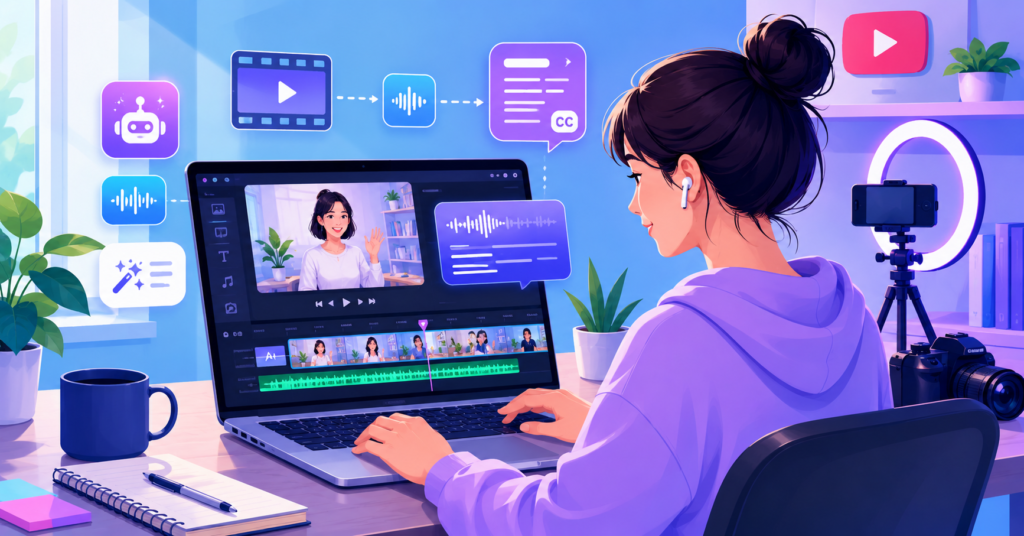
The best AI video editing software for beginners can dramatically cut the time it takes to create professional-looking videos. When I first started editing content, I spent hours learning timelines, transitions, and export settings. Today, AI tools handle many of those tasks automatically. That makes video creation far less intimidating for anyone just starting out.
For beginners, the challenge is not finding software. The challenge is finding software that feels simple enough to use while still producing quality results. That is exactly where AI-powered editors stand out.
Why Most Beginners Struggle with Modern Video Editing
The Hidden Complexity of Traditional Software for Newbies
Most people underestimate how complicated video editing can become. Traditional editing programs often include hundreds of buttons, settings, and workflow options.
A beginner may only want to trim clips, add captions, and export a video. However, they instead face complex timelines, advanced color grading tools, and technical export settings that create real confusion.
This complexity slows progress significantly. Many creators spend more time learning software than actually creating content.
AI changes that experience by automating repetitive tasks. For example, instead of manually generating captions or removing silence, AI tools complete those steps automatically.
- Automatic caption generation
- Smart clip trimming
- Silence detection
- Text-based editing
- Faster exports
For most beginners, simplicity matters more than advanced features. A tool that helps you publish consistently often beats a tool packed with professional options you never use.
Top AI Video Editing Software Categorized by Difficulty Level
Choosing the Right Starting Point for Your Skill Level
The best AI video editing software for beginners are tools that simplify editing without sacrificing quality. They automate repetitive tasks, reduce technical barriers, and help creators publish videos faster. Most importantly, they allow beginners to focus on content instead of software complexity.
I divide AI video editors into difficulty levels because not every beginner starts from the same place. Some people have never edited a video before. Others already understand basic cuts and transitions.
Choosing the wrong tool often creates unnecessary frustration. So matching the tool to your current skill level matters a lot.
Beginner Level
- Simple drag-and-drop workflow
- Automatic captions
- Minimal learning curve
- Quick social media exports
Intermediate Beginner Level
- More customization options
- Template libraries
- AI-assisted editing tools
- Multi-platform publishing
I’ve been using this and it completely changed how quickly I create short-form content. I no longer spend hours learning editing software before publishing.
Recommended Beginner-Friendly AI Video Editor
The best starting point is usually the tool that removes the most friction. If a platform feels intuitive on day one, you are far more likely to keep creating content consistently.
Step-by-Step AI Video Editing Workflow for Beginners
From Raw Footage to Final Export in Minutes
A beginner-friendly workflow matters more than a long feature list. When I edit videos with AI tools, I follow the same simple process every time. This keeps the work fast and removes decision fatigue.
First, I import the raw footage. Then I let the AI scan the video for silence, weak pauses, and rough sections. That alone saves me from watching the same clip ten times.
Next, I clean the structure. I cut slow moments, keep the strongest sections, and tighten the opening. For YouTube especially, the first few seconds matter a lot.
- Import raw footage
- Remove silence and long pauses
- Add captions
- Trim weak sections
- Export in the right format
After that, I add captions. Captions help viewers follow along even when they watch without sound. They also make short-form clips feel more polished overall.
Finally, I preview the full video before export. I check pacing, captions, music level, and the ending. This final review prevents small mistakes from reaching the audience.
The workflow does not need to feel complicated. Beginners should repeat one simple process until it becomes second nature.
Essential Features to Look for in Beginner-Friendly AI Tools
Why Captions and Text-to-Video Are Vital for YouTube
The most useful AI video editing features for beginners solve real editing problems. They do not just look impressive in a demo. They save actual time during video creation.
Captions should be near the top of your list. They help with YouTube, Shorts, tutorials, product demos, and social media clips. I use captions on almost every video because they improve clarity and watch time.
Text-based editing also helps beginners significantly. Instead of cutting clips on a timeline, you edit the video by editing the transcript. This approach feels far more natural when you are new to editing.
- AI captions
- Text-based editing
- Background noise cleanup
- Template-based exports
- Text-to-video support
Before choosing a tool, grab the checklist I use to compare beginner-friendly editors.
Download the Free Beginner AI Video Editing Toolkit PDF
I’ve been using this and it made captions and text-based editing feel much easier than working on a traditional timeline.
Recommended AI Video Editor for Captions and Text-Based Editing
Text-to-video tools can also help beginners create simple videos directly from scripts. They work best for explainers, list videos, and educational content.
In the end, the best feature is the one you will actually use. If a tool helps you publish more often, it deserves serious consideration.
Frequently Asked Questions About AI Video Editing
What is the easiest AI video editor for beginners?
The easiest AI video editor for beginners usually offers automatic captions, simple drag-and-drop editing, and minimal setup. A beginner should be able to create and export a video within the first hour of using the software.
Is CapCut good for beginners using AI video tools?
Yes. Many beginners start with CapCut because the interface feels simple and the AI features reduce manual work. Automatic captions and quick templates make content creation noticeably faster.
Which AI video editor is best for YouTube beginners?
The best choice depends on your content type. YouTube beginners often benefit most from tools that provide captions, text-based editing, and fast export options. These features help maintain a consistent publishing schedule.
What are the recommended free editing programs for AI-generated videos?
Many beginner-friendly editors provide free plans that include basic AI features. Before upgrading, test the workflow and confirm the editing experience matches your actual needs.
Which AI tools do digital marketing professionals actually recommend?
Many professionals prefer tools that save time on repetitive tasks. Caption generation, transcript editing, clip creation, and template workflows often provide the biggest productivity gains.
The best AI video editing software for beginners is not necessarily the most powerful option. It is the tool that helps you create, edit, and publish videos consistently without feeling overwhelmed. If you want more beginner video creation tips, workflow guides, and AI editing strategies, subscribe to the newsletter and keep building your skills one project at a time.