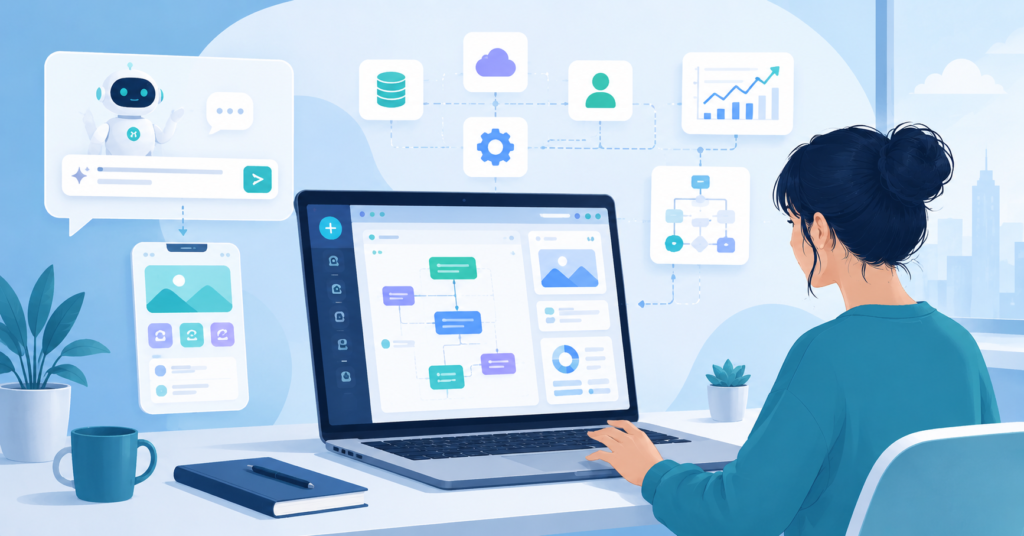
The best AI coding tools for non coders have made app creation more accessible than ever. People no longer need years of programming experience to build useful software. Today, AI-powered platforms help users transform ideas into working applications. They do this through simple prompts and visual workflows.
This shift benefits entrepreneurs, freelancers, creators, and small business owners. Instead of learning complex coding languages, they can focus on solving real problems. The technology handles much of the technical work behind the scenes.
The Reality of Coding for Non-Programmers
Why Traditional Syntax Remains a Barrier for Beginners
Many people want to build software but never start. The biggest obstacle is not creativity. It is technical complexity.
Traditional coding requires learning syntax, debugging errors, and managing integrations. For someone without a technical background, this process feels overwhelming fast.
Even simple projects can become frustrating. A missing character or incorrect command can stop all progress. That experience discourages many beginners before they finish their first project.
However, AI coding platforms solve this problem differently. Instead of writing code line by line, users describe what they want to build. The platform then translates those instructions into functional applications.
- Less time learning syntax
- Faster project creation
- Reduced technical barriers
- More focus on business goals
- Greater accessibility for beginners
In fact, the future of software creation will include more people who never learn traditional programming. They will build through prompts, workflows, and AI-assisted tools instead.
Top No-Code AI Solutions for App Development
Turning Natural Language Prompts Into Functional Code
The best AI tools do not ask users to think like programmers. They allow users to describe outcomes instead.
For example, you might type: “Create a customer booking system with email notifications and a dashboard.” The platform then generates the underlying structure needed to support that request.
This approach makes software development far more accessible. Users focus on functionality rather than implementation details.
The best AI coding tools for non coders convert natural language prompts into working applications. They do this without requiring manual code editing. For many non-technical users, these tools provide the fastest path from idea to execution.
One of the biggest advantages is rapid experimentation. Users can test ideas, improve workflows, and launch prototypes quickly. As a result, they avoid hiring developers during the early stages.
I’ve been using this tool and it completely changed how I build simple applications. I no longer touch code at all.
Recommended AI App Builder for Non Programmers
- Prompt-to-app generation
- Visual workflows
- Drag-and-drop interfaces
- Built-in automation
- Beginner-friendly deployment
The strongest no-code AI platforms focus on execution speed. They help users validate ideas before investing significant time or money.
Also, most of these platforms include templates. That means beginners can start from a working base instead of building from scratch.
How to Choose the Easiest AI App Builder
Essential Features for Non-Technical Creators
Not every AI coding platform serves beginners equally well. Some tools still assume technical knowledge. Others focus entirely on simplicity.
When comparing platforms, I always look at how quickly a complete beginner can build something useful. The easier it is to move from idea to prototype, the better.
A good platform should guide users through the process. It should not expect them to understand software architecture on their own.
- Natural language input
- Visual editing tools
- Simple deployment options
- Built-in integrations
- Clear onboarding experience
The best platforms reduce decision fatigue. They help users focus on outcomes rather than technical details.
Another important factor is flexibility. A beginner-friendly platform should remain useful even after users gain experience. That way, projects can grow without switching systems entirely.
Many people make the mistake of choosing the most powerful tool instead of the easiest one. For non-coders, simplicity often produces better results.
The goal is not to impress developers. The goal is to launch a working solution that solves a real problem.
Before moving forward, here is a resource that helped simplify my own workflow significantly.
Download the Free AI Toolkit PDF
I’ve been using this tool and it made app creation dramatically easier. I could focus on ideas instead of technical setup.
Easy AI App Builder for Beginners
From Idea to App: A Beginner-Friendly Workflow
Integrating AI Agents Into Your Development Process
Many beginners believe they need a perfect idea before they start building. In reality, the fastest path is creating a simple version first.
I usually begin with a clear description of the problem. Then I use AI tools to generate the first version of the application.
Once the prototype exists, improvements become easier. Users can test features, gather feedback, and refine the experience step by step.
A beginner-friendly workflow usually follows a simple pattern.
- Identify a specific problem
- Describe the solution in plain language
- Generate the first version with AI
- Test with real users
- Improve based on feedback
AI agents can assist throughout this entire process. They help generate interfaces, automate workflows, organize data, and improve functionality.
The most successful builders focus on iteration. They launch quickly, learn from users, and improve continuously.
This approach removes much of the fear around software development. You do not need perfection. You need momentum.
5 Frequently Asked Questions for Aspiring Builders
What is the best AI coding tool for non-programmers?
The best AI coding tool for non-programmers converts natural language instructions into working applications. Ease of use matters more than advanced developer features.
Can AI coding tools help beginners build apps?
Yes. Modern AI platforms allow beginners to create applications through prompts, visual builders, and automation tools. They reduce the technical learning curve significantly.
Which AI coding tool is easiest for non coders?
The easiest tools focus on simplicity, visual workflows, and natural language interaction. They allow users to build without manually editing code.
Which platform is recommended for non coders to build apps?
Platforms designed specifically for no-code development usually provide the best experience. They prioritize accessibility and faster project creation for non-technical users.
How can someone without coding skills start using AI for development?
Start with a simple project. Use an AI-powered no-code platform, describe the outcome you want, and improve the generated application step by step.
The best AI coding tools for non coders continue to improve every year. They allow creators, entrepreneurs, and business owners to build software without traditional programming skills. If you want more practical no-code AI strategies, subscribe to the newsletter and stay ahead of every update.