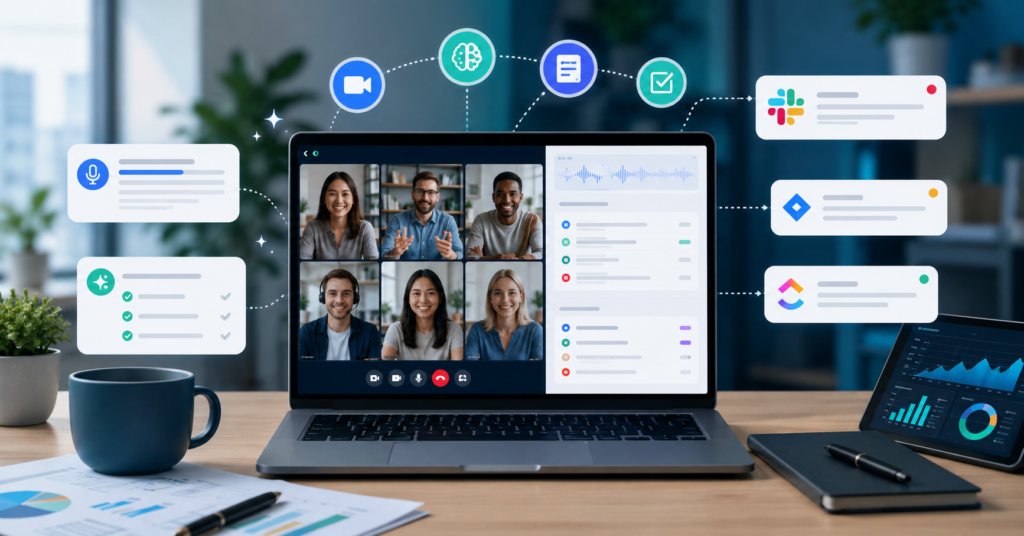
Remote work isn’t going anywhere. In 2025, most distributed teams live inside video calls, Slack threads, and project boards just to stay on the same page. But here’s the problem — keeping up with every meeting, every decision, and every action item is exhausting. That’s exactly why more teams are turning to the best AI meeting assistant for remote teams 2025 options to cut the busywork and actually get things done.
The good news: modern AI meeting assistants don’t just record your calls. They transcribe, summarize, pull out action items, and push everything into the tools your team already uses. Less time replaying recordings. More time doing real work.
Why Remote Workers Struggle with Endless Virtual Meetings
Remote teams run on meetings. That’s just the reality. But the more you rely on video calls to stay aligned, the more new problems tend to show up — ones that quietly kill productivity and morale.
The Hidden Cost of Zoom Fatigue in 2025
Back-to-back video calls are rough. You’re absorbing information, staying camera-ready, and processing everything in real time — all at once. That mental load adds up fast.
What makes it worse: most remote workers spend hours every week chasing down notes, rewatching recordings, or just trying to remember what was actually decided. That’s wasted time no one accounts for on a timesheet.
AI meeting assistants fix this directly. They capture the important stuff automatically — summaries, highlights, action items — right when the call ends. No more hunting through recordings the next day.
Communication Gaps in Distributed Teams
Not everyone can make every meeting. That’s just how distributed teams work, especially across time zones.
When decisions get made on a call and never properly documented, the people who missed it are left guessing. AI-powered meeting summaries change that. Everyone gets a clean record of what happened, regardless of whether they were on the call or not.
What to Check in an AI Meeting Assistant
An AI meeting assistant for remote teams is a tool that automatically records, transcribes, summarizes, and organizes your meetings. It helps remote workers save time, stay aligned, and make sure nothing important slips through the cracks after a call ends.
In 2025, these tools have moved from “nice to have” to genuinely essential. The best ones don’t just transcribe — they connect your meetings to your workflow so that decisions actually turn into action.
Real-Time Transcription and Automated Summaries
Real-time transcription is probably the feature that saves the most time day to day. When you’re not scrambling to take notes, you can actually focus on the conversation.
Most top-tier AI meeting assistants generate all of the following automatically:
- Full meeting transcripts
- Key discussion points
- Action item lists
- Follow-up reminders
- Decision summaries
Integration with Slack and Project Management Tools
A good AI meeting assistant doesn’t live in isolation. The best ones plug directly into Slack, Notion, Trello, ClickUp, Asana, and Google Workspace — so your meeting outputs automatically become your team’s next set of tasks.
Before connecting meeting notes to a project board, verify that the integration transfers the correct action owner, due date and source recording. A listed integration does not establish that your exact workflow is supported.
Test one low-risk meeting workflow before automating task creation.
Maximizing ROI with AI Productivity Software
Automating Routine Administrative Tasks
Admin work is one of those things that never feels urgent — until you add it all up and realize it’s eating half your week.
The tasks AI can handle for you now include:
- Meeting notes and recaps
- Status update drafts
- Task assignments from call discussions
- Follow-up email templates
- End-of-week project summaries
Comparing Tools for Your Budget
Price isn’t everything. The right AI meeting assistant is the one that fits how your team actually works — not the most expensive option on the market.
Before committing, look at transcription accuracy, integration depth, summary quality, and how well the security settings match your company’s requirements. A tool that checks all four boxes at a reasonable price will outperform a flashy platform that misses two of them.
Compare free summary limits and recording retention in our Fathom vs tl;dv guide, then complete its buying scorecard before paying.
Implementing AI Workflows for Better Team Collaboration
Best Practices for AI Adoption in 2025
Rolling out AI tools without a plan usually means low adoption and mixed results. A few things that actually help:
- Set clear objectives for every meeting before it starts
- Standardize how summaries are formatted and shared
- Assign ownership for every action item the AI surfaces
- Review AI outputs regularly so the team trusts the process
- Train everyone on the workflow — not just the tool
Security and Privacy Considerations
Remote teams talk about sensitive things on calls. Before picking an AI meeting assistant, check the encryption standards, where data is stored, who has access, and whether the platform meets your compliance needs. This step gets skipped more often than it should.
Check recording access, retention and deletion controls before connecting a meeting tool to other services.
Approve the recipients before distributing recordings or transcripts.
Frequently Asked Questions
What are the best AI tools for remote work in 2025?
The most useful categories right now are AI meeting assistants, workflow automation platforms, project management tools with AI features, and AI content creation software. The right mix depends on your team size and how you communicate.
Which AI productivity tools save the most time for remote teams?
Tools that handle note-taking, transcription, task management, and workflow automation tend to deliver the biggest productivity gains. Anything that removes a manual step from a process you repeat daily is worth looking at.
Are there free AI tools for remote workers?
Yes — most major AI platforms offer a free plan or trial tier. These are usually enough for individuals and small teams to test the core features before committing to a paid plan.
How do AI meeting assistants improve remote work productivity?
They eliminate manual note-taking, create searchable records of every discussion, automate follow-up tasks, and make sure team members who missed a call can still catch up quickly. The time savings compound fast.
Which AI tools actually helped people daily in 2025?
This guide does not present a hands-on product test or verified user survey. Choose a tool by testing your own meeting language, review process and sharing requirements.
Finding the right AI meeting assistant for remote teams 2025 isn’t just about features — it’s about giving your team back the time and clarity to do their best work. The teams adopting these tools now are building workflows that will scale with them, not against them.
Use our meeting action items template to check owners and deadlines before sharing your next meeting recap.