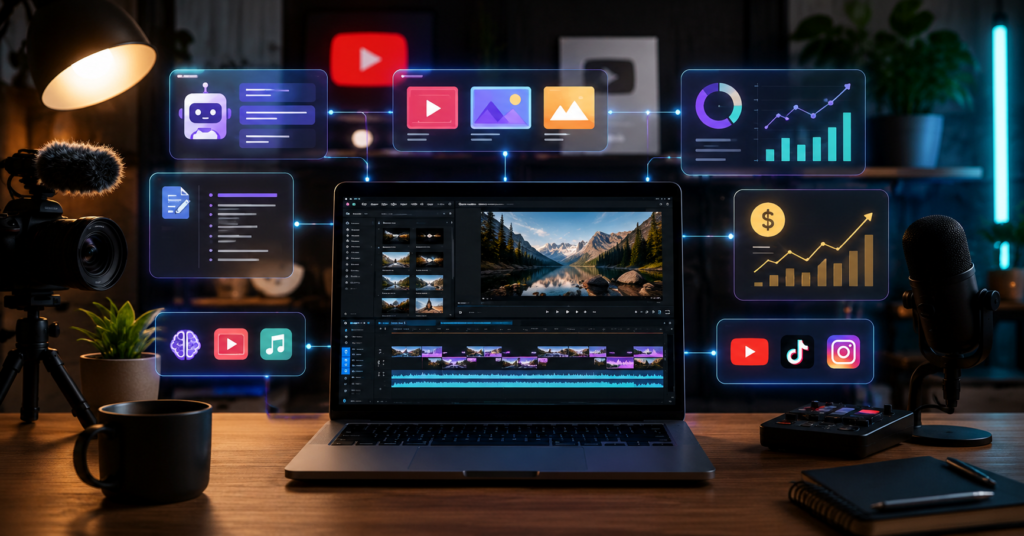
If you’ve already scrolled through a dozen lists looking for the best AI tools for YouTube creators, you know most of them are useless. They tell you what the tools do. They don’t tell you which ones are worth paying for, how they fit together, or whether they’ll actually save you enough time to justify the cost. That’s what this post is about.
The right stack helps with scripting, editing, thumbnails, SEO, repurposing, and monetization. The wrong one drains your budget before the channel earns a single dollar.
Why YouTube Creators Struggle Without AI Tools
Without AI tools, YouTube production demands more hours than most solo creators actually have. The problem isn’t skill. It’s the sheer number of repetitive steps between an idea and a published video.
The Burdens of Manual Content Production
Manual production sounds manageable until you’re doing it every single week. One video touches topic research, scripting, filming, editing, captions, thumbnail concepting, title testing, description writing, and Shorts repurposing. That’s before you even check analytics.
When I tried to handle all of it manually, editing was where everything slowed down. Ideas weren’t the bottleneck. Turning those ideas into something publishable was.
That matters because YouTube rewards consistent output. If one video takes two weeks, you lose feedback speed — and feedback speed is how you improve.
Keeping Up with the 2026 Competitive Landscape
YouTube in 2026 is faster than it’s ever been. Small creators are competing against teams, agencies, and AI-assisted channels that publish at a pace no solo operator can match manually.
That doesn’t mean churning out low-quality content. It means removing the boring, repeatable work so your energy goes toward ideas, storytelling, and retention — the parts that actually matter.
AI tools work best when they support your judgment, not replace it.
Top AI Tools for Video Creation and Editing
The best video creation tools cut production time without making your channel feel like every other AI-assisted upload. What I look for: tools that help me move faster while keeping full control over the final message.
Streamlining Production with AI Studios
AI Studios is built for creators who need to turn scripts into polished videos without spending hours in front of a camera or editing timeline. It handles AI avatars, video generation, multilingual output, and structured production workflows.
It’s not for every channel style. For reaction content or personality-driven vlogs, it’s not the right fit. But for explainers, tutorials, and faceless channels, it genuinely changes what’s possible for a solo creator.
I’ve been using this tool for months and it genuinely cut my editing time in half when I needed fast scripted videos instead of building every scene manually. AI Studios
Professional Editing with Descript
Descript is the most practical editing tool I’ve found for talking-head videos, podcasts, tutorials, and commentary content. The core advantage is text-based editing — you edit video by editing the transcript instead of scrubbing through a timeline.
It sounds odd until you try it. After a few sessions, going back to traditional editing feels unnecessarily slow.
Where I use it most: removing filler words, cleaning audio, pulling clips, and cutting a long video into Shorts or social posts. It doesn’t replace creative editing decisions, but it removes a lot of the friction around them.
Optimization and SEO AI Tool Stack
Optimization tools help you make smarter packaging decisions before and after upload. They don’t guarantee views, but they help you avoid wasting production hours on topics with weak demand or brutal competition.
Boosting Reach via vidIQ
vidIQ is most useful as a research and decision tool. I use it to check keyword demand, study competitor videos, score topic ideas, and improve upload metadata before hitting publish.
The real value isn’t in the numbers themselves — it’s in catching a weak topic before you spend time making the video. For small channels, vidIQ also surfaces topic patterns that are nearly impossible to notice manually.
Automated Scripting and Thumbnail Generation
AI scripting tools are useful for building structure — outlines, hooks, scene-by-scene frameworks. Copying AI scripts directly is the fastest way to sound like everyone else.
The workflow that actually holds up:
- Use AI to generate 5 different topic angles.
- Pick the angle with the clearest viewer pain point.
- Use AI to build a rough structure.
- Add your own story, proof, and opinion on top.
- Use AI for thumbnail concepts, then refine manually.
That keeps the final video from sounding like it came off an assembly line.
Real-World Workflow: Integration and Monetization
A real AI-powered YouTube workflow doesn’t just help you publish faster — it connects production directly to revenue. Views matter, but the better question is whether each video is actually built to support ads, affiliates, products, leads, or long-term audience growth.
Building a Full Creation Pipeline
Here’s the step-by-step workflow I use for a lean but serious YouTube channel:
- Step 1: Script — Use AI to research angles, write hooks, and outline the video structure.
- Step 2: Edit — Use AI Studios for scripted video sections, or Descript for transcript-based editing of filmed content.
- Step 3: Thumbnail — Generate AI concept options, then manually choose the strongest emotional hook.
- Step 4: Upload — Prepare title, description, chapters, and pinned comment before going live.
- Step 5: SEO — Run vidIQ to refine keyword targeting and compare against competing videos already ranking.
Every step affects the next. A weak script makes editing harder. A weak thumbnail kills your click-through rate before the algorithm gives you a real chance.
Connecting Tools to Revenue Streams
The tool stack should support monetization from day one — not as an afterthought. That doesn’t mean stuffing affiliate links everywhere. It means designing each video with a clear path to revenue.
One solid tutorial video can realistically support YouTube ad revenue, affiliate links, email list growth, digital product sales, and service inquiries — all at once.
This is where Descript earns its place in my workflow. I record one long video, clean it fast, cut the useful sections, and repurpose the whole thing into Shorts or social clips without starting over. Descript
Want my exact tool stack, full video workflow checklist, and monetization tracker? Download the free toolkit
Pricing Comparison and Value Analysis for the Best AI Tools for YouTube Creators
AI tools can quietly eat creator profit if you’re not paying attention. I only keep tools that either save clear production time or directly increase revenue potential — and I cut everything else.
Breaking Down Tool Costs and ROI
ROI for creators comes down to one question: does this tool save enough time or generate enough revenue to cover its monthly cost?
| Tool | Free Plan | Paid Plan Starting Price | Affiliate Commission |
|---|---|---|---|
| AI Studios | Available depending on current plan access | Varies by plan | Up to 50% |
| Descript | Yes | From around $16/month | 15% recurring |
| vidIQ | Yes | From around $16.58/month | Up to 25% recurring |
For a new channel, don’t subscribe to everything at once. Start with one creation tool and one optimization tool. That’s it.
If a tool saves five hours a month and your time is worth $20 an hour, that’s $100 in recovered time. A $16 to $30 tool makes sense. A $100 tool probably doesn’t — not yet.
Best Free vs. Paid Options for Small Channels
Free plans are for testing. Paid plans make sense only after you’re publishing consistently and you know exactly where your workflow breaks down.
If editing slows you down the most, pay for editing support first. If you’re picking the wrong topics, invest in SEO and research tools first. If volume is the real problem, test AI video generation.
Don’t buy tools because a popular creator recommended them. Buy tools because your workflow has a specific, identifiable problem.
Frequently Asked Questions
Most creators want to know the same thing: which AI tools actually move the needle, and which ones just add noise to an already complicated workflow. The answer depends on your channel type, your budget, and where your production actually breaks down.
Community Insights and Realities
What are the best AI tools for YouTube creators in 2026?
The most practical stack covers three areas: video creation, editing, and SEO. AI Studios, Descript, and vidIQ handle those three well without significant overlap.
Which AI tool is best for YouTube video editing?
Descript is the strongest option for talking-head, tutorial, podcast, and commentary content. Transcript-based editing removes most of the friction from the process without requiring you to learn a complex interface.
Are AI tools worth it for YouTube creators?
Yes — if they save measurable time or improve your output quality. No — if they only add complexity without helping you publish better videos more consistently.
Future Trends in AI Content Creation
Are AI tools game changers for small YouTube creators in 2026?
Yes, but only when creators use them to improve workflow speed and decision quality. AI doesn’t replace strong ideas — it just removes the friction between having them and getting them published.
How do you build an AI YouTube growth toolkit that actually works?
Start with your biggest bottleneck. Add one AI tool at a time, measure whether it saves time or improves output quality, and keep only the tools that clearly earn their place.
The best AI tools for YouTube creators aren’t the most expensive or the most hyped. They’re the ones that help you turn ideas into better videos faster — while keeping your revenue plan intact from the start.
If you want more practical creator workflows, honest tool comparisons, and monetization checklists sent directly to you, sign up here: Get creator updates